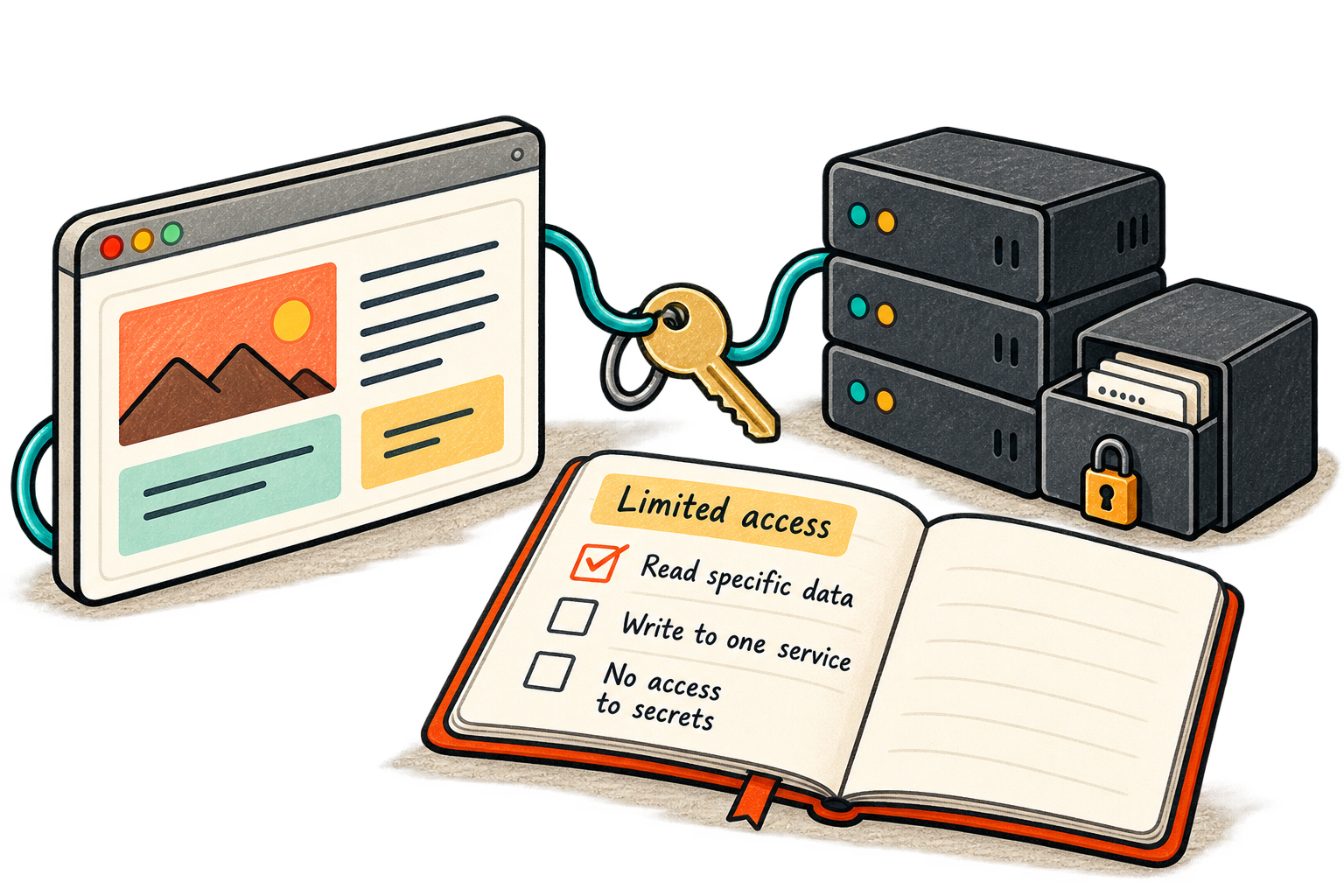
The Connect button makes an integration feel small. One consent screen, a redirect, and a new feature appears. The access created by that click may last much longer than the setup session.
My LinkedIn note about a third-party security incident raised a broader question: what does a connected tool become capable of doing on our behalf? This article focuses on that durable engineering lesson, rather than repeating an incident timeline or treating a social post as authoritative incident-response guidance.
OAuth is an authorization mechanism. It can limit delegated access, but it cannot make every recipient of that access trustworthy. A perfectly valid token in the wrong hands may still authorize exactly the operations it was issued to permit.
Draw the trust boundary
Imagine a reporting tool that needs to read deployment status. Giving it broad project administration because that is the easiest setup creates a much larger consequence if the integration is compromised. The necessary capability is narrower than the account's full capability.
- Your account
Approves a specific integration and a set of permissions.
- Integration token
Carries access within a scope, lifetime, and audience.
- Connected service
Checks whether each requested operation is authorized.
The important boundary is what the token can do, where it can do it, and how long that access survives.
For each integration, write down its owner, purpose, scopes, environments, expiry behavior, and revocation path. Include unattended service credentials as well as interactive connections. An integration nobody owns is unlikely to receive a careful review when the product changes.
Ask for the smallest useful grant
Separate read access from write access when the provider supports it. Prefer a specific repository, project, or resource over an entire organization where possible. Keep development and production credentials separate, so experimenting with a tool does not automatically expose a production environment.
The OWASP OAuth2 guidance covers protocol protections such as PKCE, token audience restrictions, and refresh-token security. These address particular threats. PKCE helps protect the authorization-code exchange; it does not turn a stolen bearer access token into a harmless object.
Application code still needs to validate authorization for each operation. A UI hiding an admin button does not constrain an API token. Store tokens on the appropriate trusted side of the application, avoid logging them, and use a vetted OAuth implementation rather than improvising a redirect flow.
| Access choice | Question to answer |
|---|---|
| Scope | Which operations does this feature actually need? |
| Resource | Can the grant cover one project instead of every project? |
| Lifetime | How does access expire, renew, and get revoked? |
| Environment | Is production isolated from development and testing? |
| Ownership | Who reviews changes and responds to an alert? |
Secret storage is only one layer
Putting a secret in an environment variable does not by itself define its security properties. What matters includes who can read that environment, whether builds or logs expose it, and whether it reaches browser-delivered code. Client bundles cannot keep a secret from the people receiving them.
A managed secrets system can help with access control, auditing, and rotation, but the application still needs a safe retrieval path. Use separate credentials for separate services when feasible, and avoid giving one token privileges across unrelated systems. OWASP's secrets-management guidance describes the lifecycle from creation through revocation.
Consider a deployment token used by a CI job. If that same token can modify every production project and read unrelated secrets, a compromise in one build pipeline has a broad reach. A narrower token and isolated environment reduce that reach even if the initial failure still occurs.
Make disconnection a real operation
Deleting a local token record is not always equivalent to revoking access at the provider. The provider may have an active refresh token or a separate application grant. Know which revocation endpoint or administrative control invalidates which credential.
For an actual incident, begin with the provider's current bulletin and your own evidence. Identify affected grants and credentials, revoke or restrict access, preserve useful logs without spreading secrets, and rotate affected downstream credentials through a controlled rollout. Follow the authoritative scope of the incident rather than a blanket instruction copied from a short post.
Rotation needs a plan too: update the consuming service, verify it works with the replacement, and retire the old credential according to the system's requirements. A secret that was exposed remains exposed even after it disappears from the latest configuration file.
Review the integration as it grows
A reporting tool may later add deployment actions. That is a permission change worth reviewing, even if the vendor name stays the same. Schedule ownership reviews around meaningful events—new scopes, new environments, staff changes, or removal of the feature—rather than assuming the initial consent lasts forever without attention.
The same principle applies to AI agents: a more capable interface should not silently inherit a more powerful credential. Good integration design makes authority explicit and keeps the cost of revoking it manageable.
Adapted from my original LinkedIn post .
Share