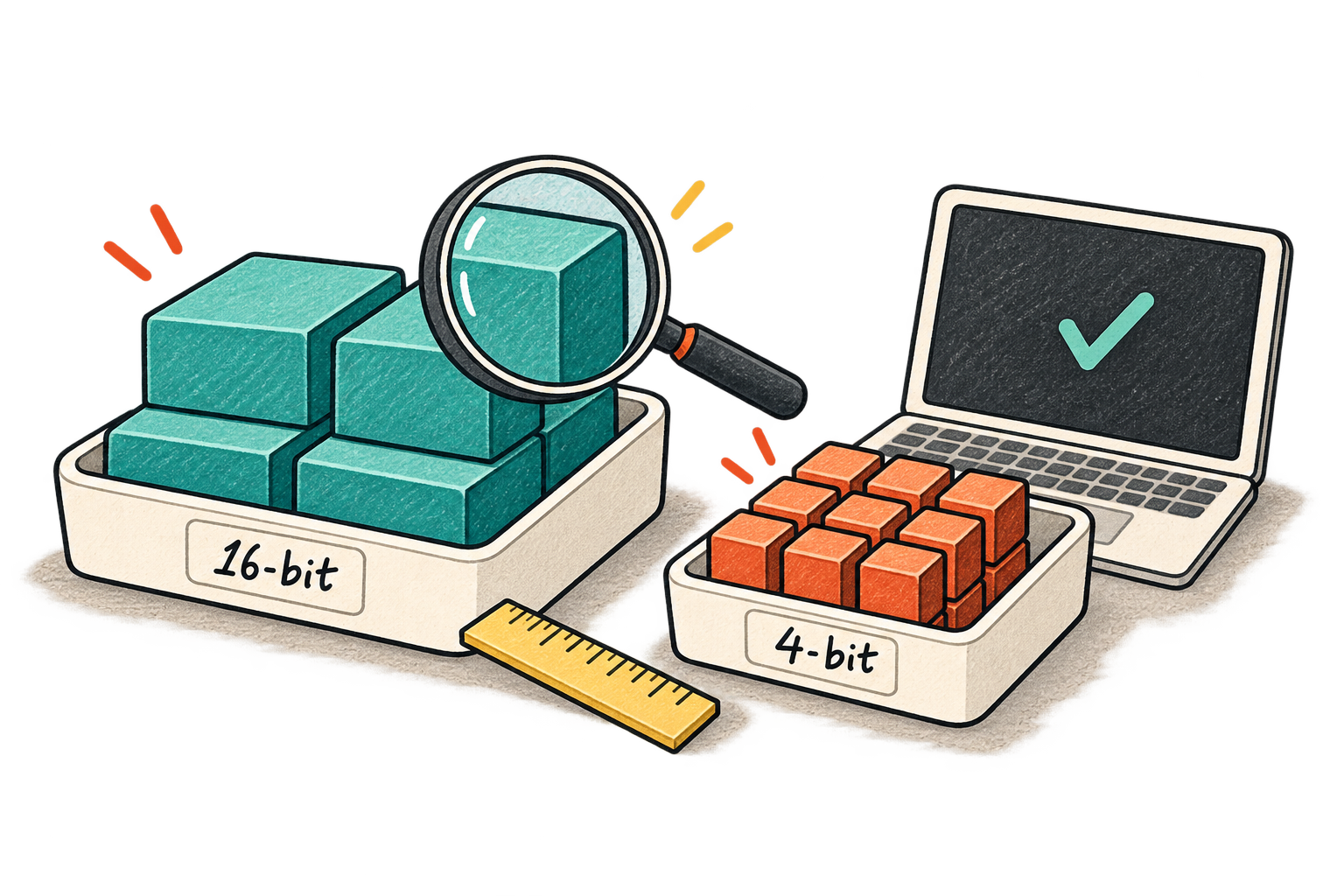
Browsing model downloads can feel like reading a parts catalogue without knowing which machine you own. The same model name appears alongside 16-bit, 8-bit, 4-bit, GGUF, AWQ, and GPTQ. My original post came from that confusion while looking at Qwen variants.
There are several independent questions mixed into those names: which model was trained, how its numerical values are represented, how that representation was produced, and which runtime can load it. Separating those questions makes the catalogue much less intimidating.
What gets smaller?
A neural network contains numerical parameters, usually called weights. Quantization represents some of those values with fewer bits, using a mapping between the reduced representation and the values used in computation. It can also apply to activations or cached state; a label such as “4-bit” does not automatically describe every tensor in memory.
Fewer bits can reduce storage and memory requirements. The mapping also introduces approximation. The effect on a particular task depends on the model, method, and implementation. Hugging Face's quantization concept guide is a useful explanation of the underlying tradeoff.
- Higher precision
More bits per represented value; a larger weight footprint.
- Lower precision
Fewer representable levels; less storage, with approximation.
- Task evaluation
Check whether the changed representation preserves useful behavior.
Compression alone is not evidence that a model remains accurate or becomes faster on your hardware.
Estimate the weights, then leave headroom
The back-of-the-envelope calculation is straightforward:
Weight bytes ≈ parameter count × bits per parameter / 8

7 billion parameters at 16 bits ≈ 14 billion bytes
7 billion parameters at 8 bits  ≈  7 billion bytes
7 billion parameters at 4 bits  ≈  3.5 billion bytes
These are decimal-byte estimates for uniformly represented weights, not total RAM or VRAM requirements. Quantization scales, metadata, tensors kept at higher precision, runtime buffers, and the KV cache add overhead. Decimal gigabytes and binary gibibytes also differ, which can make a nearly full device look even more confusing.
Imagine a device with eight gigabytes of usable accelerator memory. A seven-billion-parameter model described as eight-bit is not automatically a comfortable fit. Even if the weights load, a longer context or another concurrent request may exhaust the remaining space. Test the longest context and concurrency you intend to serve, not just a greeting prompt.
That is also why input length matters operationally. Reducing weight memory does not eliminate the memory associated with processing and generating tokens.
A format is not a quality level
GGUF is a file format for storing model data and metadata. It can contain different quantization types. GPTQ and AWQ refer to quantization approaches, not interchangeable file extensions or universal quality rankings. Runtime support is the first compatibility check; the Hugging Face GGUF documentation explains the format and its ecosystem.
Before downloading, match the model revision, architecture, tokenizer, chat template, quantization variant, and runtime version. A model can load successfully and still behave poorly if the prompt template is wrong. That failure should not immediately be blamed on reduced precision.
| Check | Why it matters |
|---|---|
| Exact model revision | Similar names may refer to different trained models. |
| Supported quantization | Your runtime must understand the representation. |
| Chat template | Instructions must reach the model in its expected structure. |
| Available memory | Weights share space with cache and runtime allocations. |
| License and intended use | A downloadable artifact still has usage conditions. |
Run a small acceptance test
I would compare two compatible variants using the same prompts, decoding settings, and runtime. Include ordinary requests, long inputs, structured output, and examples where a small numerical or formatting mistake matters. Record peak memory, startup time, first-token latency, generation throughput, and whether the answer passes the task checks.
Do not assume lower precision guarantees a speedup. Hardware support, kernels, conversion overhead, and offloading can dominate the result. A smaller build that stays entirely on the accelerator may beat a larger build that spills into slower memory; a different setup may show little benefit.
Field note: “Runs on my machine” is the beginning of a result. “Runs within the memory budget and passes these tasks” is a useful deployment decision.
Keep the evaluation examples and the exact artifact identifier with your result. If a future runtime update changes behavior, you then have a baseline rather than a vague memory that an earlier download felt faster.
Start with the least aggressive reduction that fits your constraints, compare it with a smaller alternative, and choose from measured behavior. The best filename is the one attached to a model that can reliably do your work.
Adapted from my original LinkedIn post .
Share